
Apartments
Compare the floor, lift, bedrooms and total space. Check the exact location on the map, not only the area name.
From the first filter to the first viewing, here’s how to find your way with Sakenly.
Choose buy or rent, then narrow the search by area, compound, developer, budget and bedrooms. Filter for ready-to-move, off-plan or under-construction homes.
Get to know the areas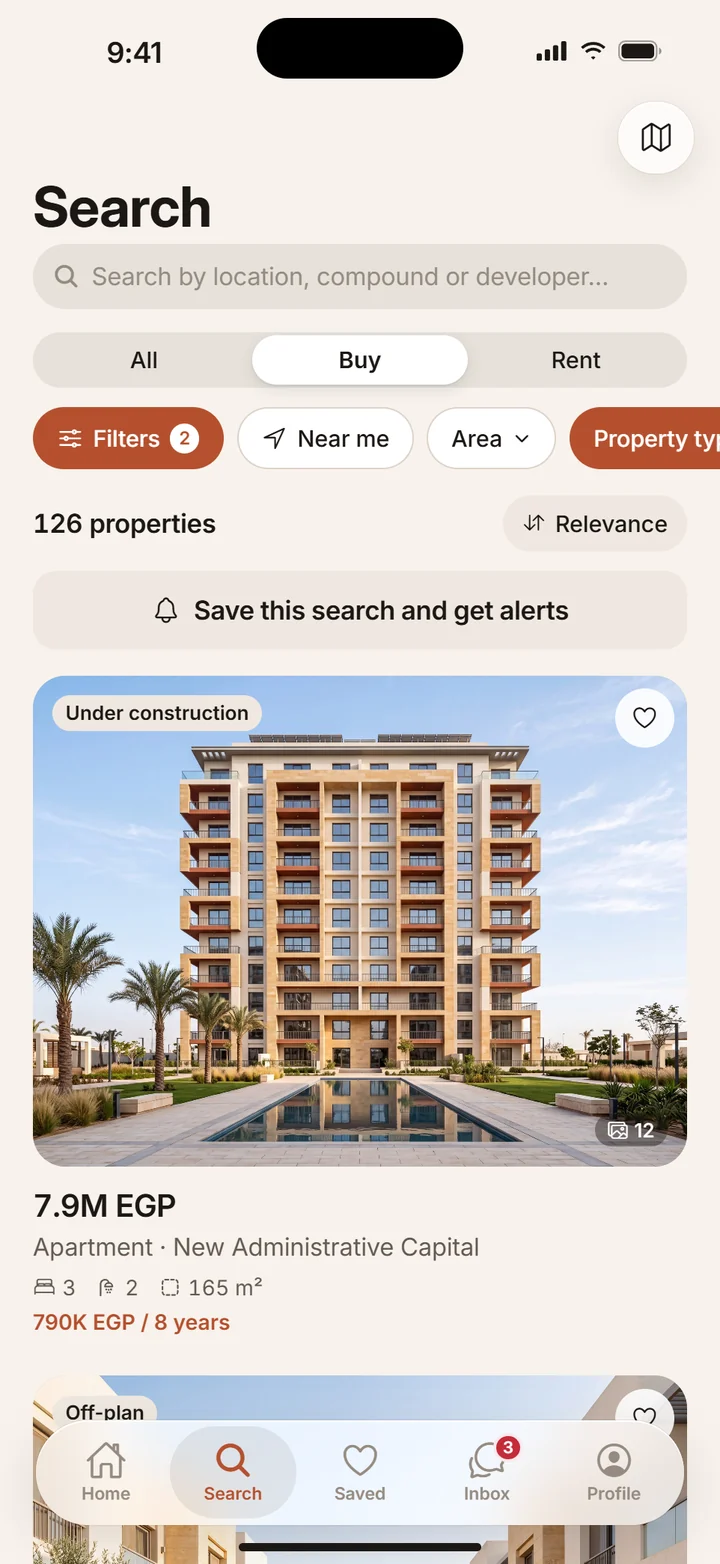

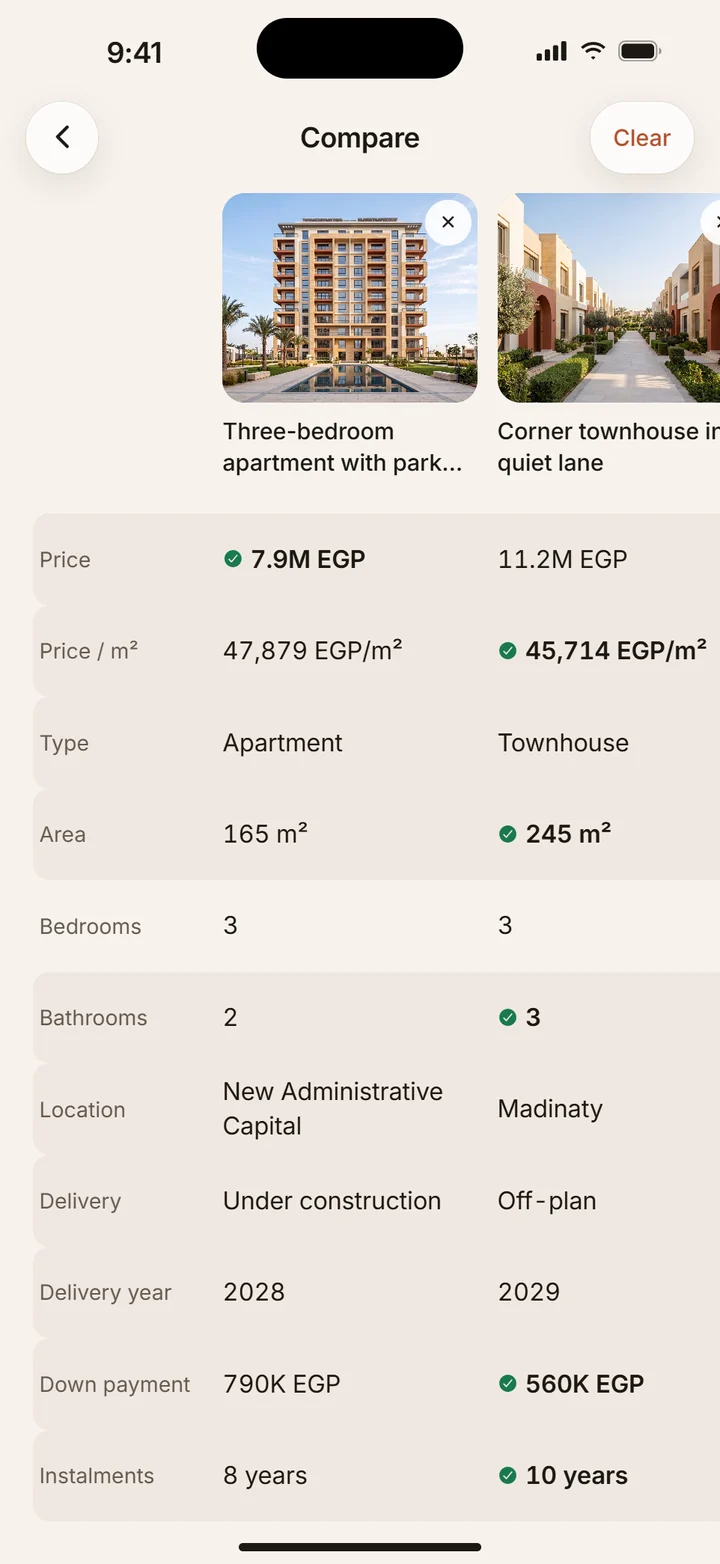
Save the homes you like and compare price per square metre, delivery date and payment plan side by side. Keep the details together before arranging a visit.
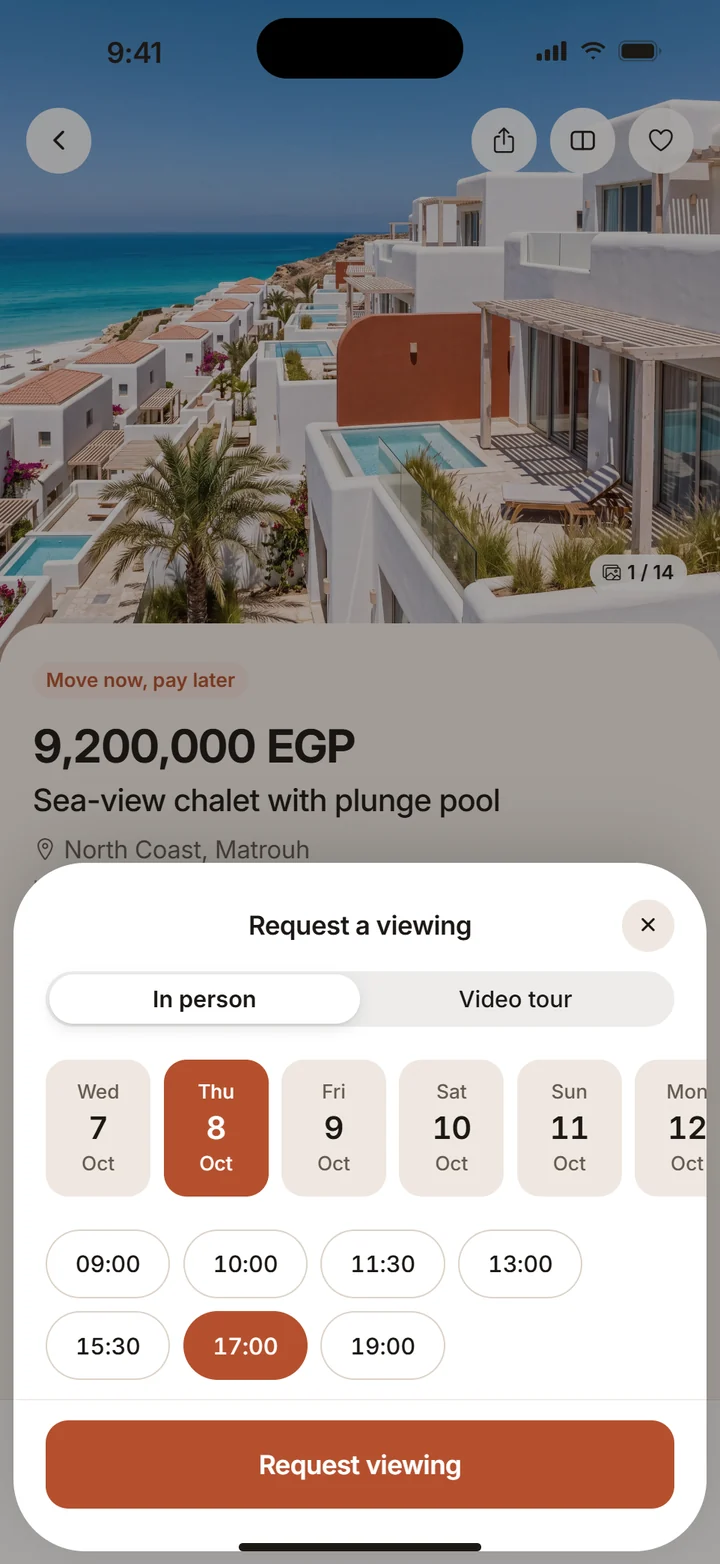
Ask the seller your questions in the app, by phone or on WhatsApp. Request an in-person or video viewing and wait for their confirmation in the app.
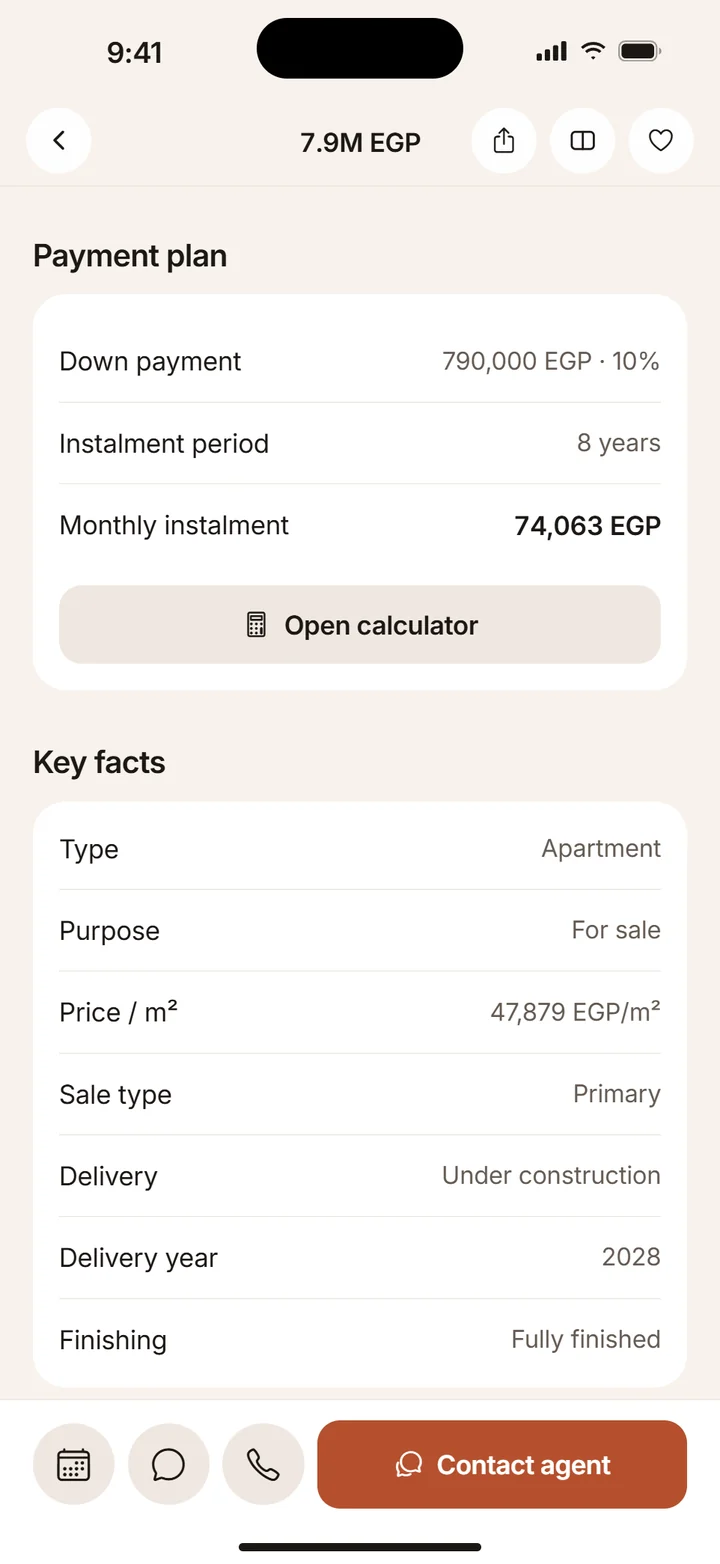
Open a listing to see its asking price, down payment, instalment period and delivery date. The in-app calculators help you explore estimated payments.
Amounts are supplied by the seller. Calculator results are estimates; confirm the terms with the seller or your bank.
Compare the floor, lift, bedrooms and total space. Check the exact location on the map, not only the area name.
Look at indoor and outdoor space separately. Ask about shared facilities and what is included in the stated price.
Confirm the project, delivery status and access to facilities. Ask the seller what is available throughout the year.
A delivery date changes your plans. Compare the handover timeline and payment schedule together, and confirm both before committing.
Save your search in the app to receive alerts when new listings match your choices. You decide which notifications to allow.
Practical guides for the next part of your search.
A rental has to work on an ordinary weekday. Start with your move-in needs, then use the listing to decide what to ask before a viewing.
Turn a broad search into a small set of homes you can compare. Separate your housing needs from the details that still need an answer.
Good filters remove unsuitable homes while leaving room to discover. Build a search in a few deliberate steps and change one choice at a time.
A viewing is the moment to connect the listing with the actual home. Decide what you need to see before you request a time.
The headline amount is only the beginning of a listing’s payment information. Use the displayed fields to prepare a clearer conversation with the advertiser.
Side-by-side comparison makes differences easier to see. Start with similar homes, then turn missing or inconsistent details into questions.
Get to know Sakenly before your next move.